
Your portfolio is your digital handshake — often the first impression potential clients or employers get of your work. But here’s the thing: you don’t need a massive budget to create something that looks polished and professional.
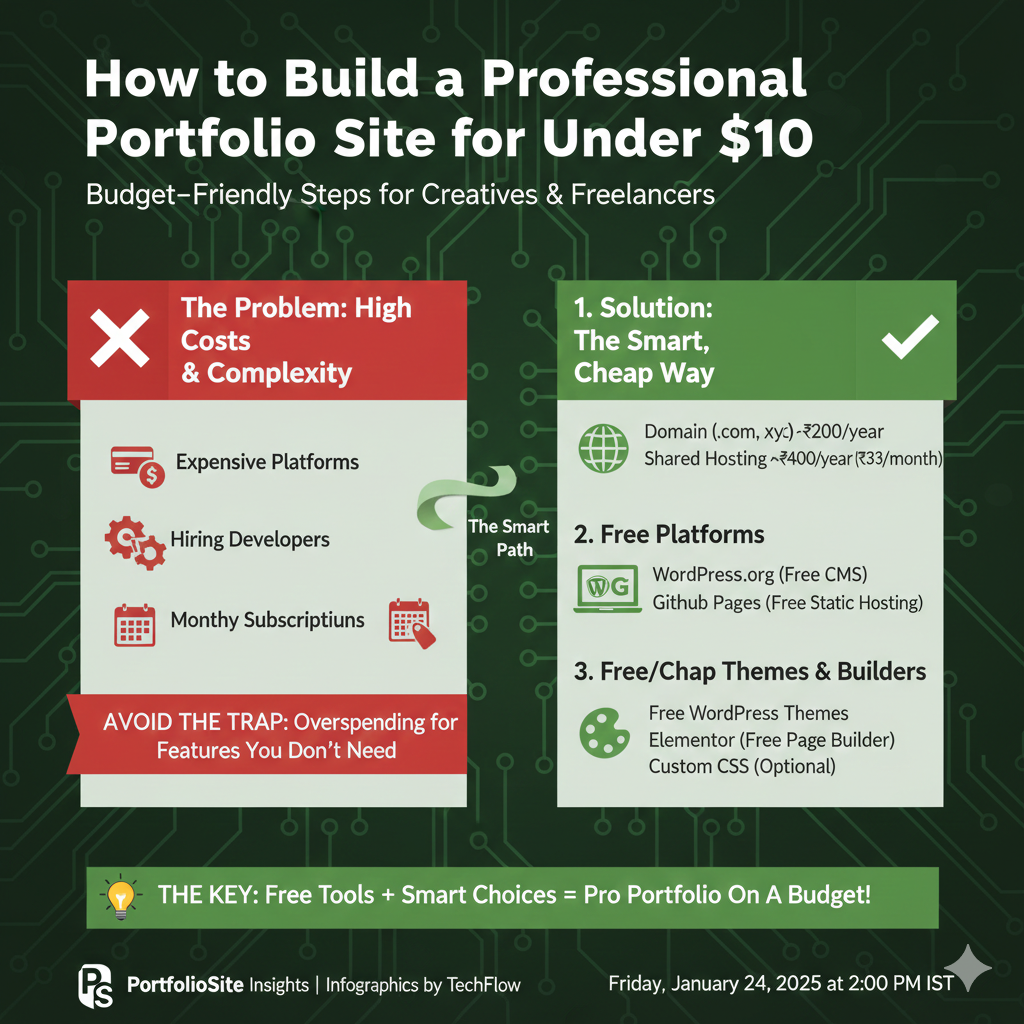
I’m going to show you exactly how to build a portfolio site that rivals $500+ custom designs, all for less than the cost of two coffees.
Why Most People Overspend on Portfolio Sites
The web development industry has convinced people they need expensive solutions. Theme marketplaces push $60 templates. Agencies quote $2,000+ for “custom” sites that use the same WordPress themes everyone else has. Subscription website builders lock you into $15-30 monthly fees that add up to hundreds over a year.
The reality? The barrier to entry for creating beautiful websites has essentially disappeared. With modern tools and a bit of strategic thinking, you can build something remarkable for next to nothing.
The $10 Portfolio Site Blueprint
Here’s what your budget breaks down to:
- Domain name: $8-12 per year (we’ll optimize this)
- Hosting: $0 (yes, really)
- Design/Theme: $0
- Total first year: Under $10
- Total recurring: $8-12 annually
Let’s break down exactly how to make this work.
Step 1: Choose Your Domain Wisely
Your domain name is the only thing you absolutely must pay for, so make it count.
Domain Naming Strategy
The best portfolio domains follow these patterns:
- FirstnameLast name.com — Classic and professional (e.g., sarahwilliams.com)
- FirstnameMiddleInitial.com — When your name is taken (e.g., sarahm.com)
- YourName + profession.com — Clear positioning (e.g., sarahwilliamsdesign.com)
If you’re stuck on ideas, try running a few concepts through an AI name generator to spark creative variations you might not have considered.
Where to Buy
Skip GoDaddy’s upsells and checkout bloat. Here are the best registrars for budget-conscious buyers:
- Namecheap: $8.88/year for .com, transparent pricing, no surprise renewal jumps
- Porkbun: Often $7-9 for first year, quirky but solid
- Google Domains (now Squarespace Domains): Clean interface, $12/year
Pro tip: Always opt out of privacy protection on the first screen and then add the free WHOIS privacy they offer on the next page. Some registrars charge $10/year for what others include free.
Step 2: Free Hosting That Doesn’t Suck
This is where most people think they need to spend $5-15/month. Not true.
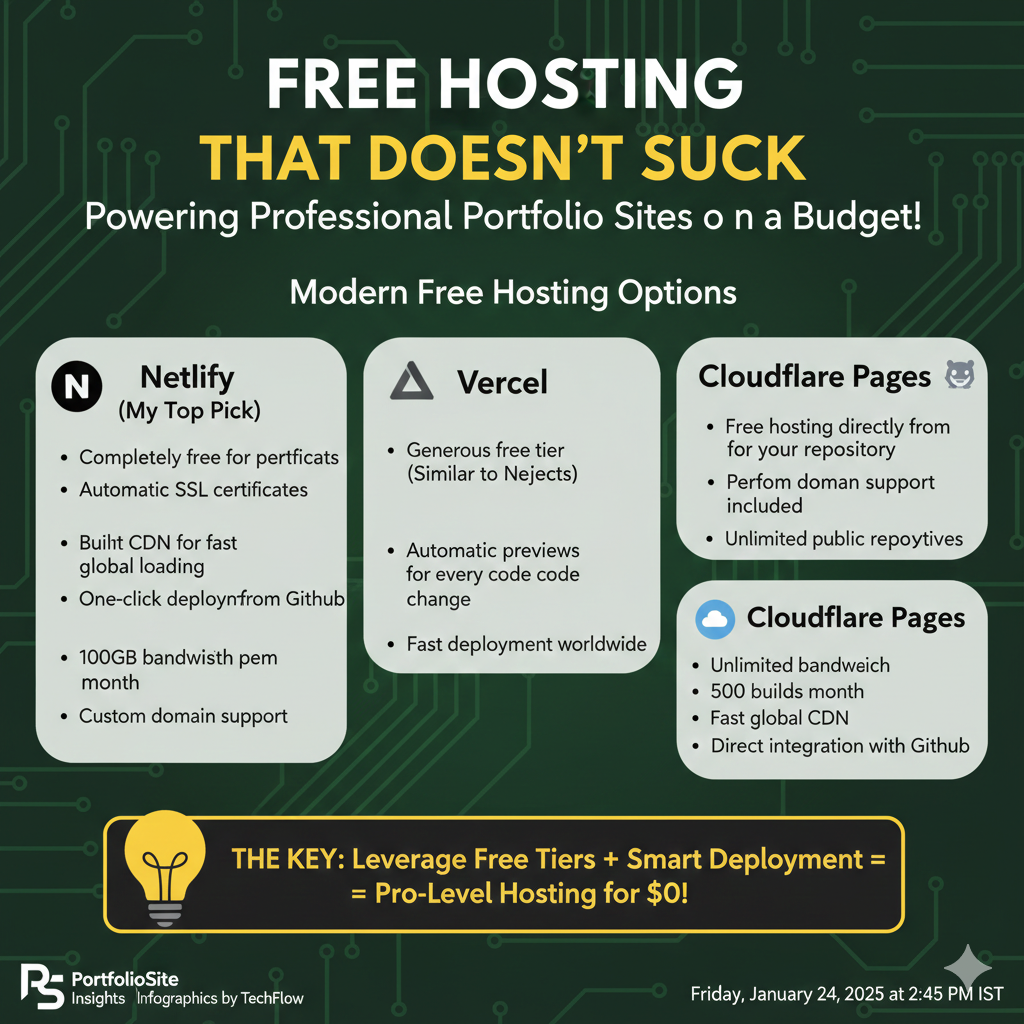
Modern Free Hosting Options
The hosting landscape has changed dramatically. These platforms offer genuinely good free tiers:
Netlify (My top pick)
- Completely free for personal projects
- Automatic SSL certificates
- Built-in CDN for fast global loading
- One-click deployment from GitHub
- 100GB bandwidth per month
- Custom domain support
Vercel
- Similar to Netlify with generous free tier
- Excellent for Next.js projects
- Automatic previews for every code change
- Fast deployment worldwide
GitHub Pages
- Free hosting directly from your GitHub repository
- Perfect for static sites
- Custom domain support included
- Unlimited public repositories
Cloudflare Pages
- Unlimited bandwidth (yes, unlimited)
- 500 builds per month
- Fast global CDN
- Direct integration with GitHub
All of these options will give you professional hosting with SSL certificates, custom domains, and performance that matches paid hosting.
Step 3: Choose Your Tech Stack
You don’t need to be a developer to build a great portfolio. Here are your options based on skill level:
Option A: No-Code (Easiest)
Carrd + Custom Domain
- Simple, beautiful one-page sites
- Free plan supports 3 sites
- Upgrade to Pro ($19/year) for custom domain support
- Drag-and-drop interface
- Mobile responsive by default
Notion + Custom Domain (via Super.so)
- Design your portfolio in Notion (free)
- Connect custom domain through Super.so ($12/month)
- Great for content-heavy portfolios
- Easy to update
Option B: Low-Code (Recommended for Most)
HTML/CSS Template + Netlify
- Download free templates from HTML5 UP, Templated, or Free CSS
- Customize colors, text, and images
- Upload to Netlify via drag-and-drop or GitHub
- Total control without starting from scratch
GitHub Pages + Jekyll
- Hundreds of free, professional themes
- Write content in Markdown
- Automatic builds and deployment
- Great for developer portfolios
Option C: Full Development (Most Flexible)
React/Vue/Svelte + Netlify/Vercel
- Complete creative control
- Component-based architecture
- Build exactly what you envision
- Best for showcasing development skills
Astro (My current favorite)
- Lightning-fast static site generator
- Use components from React, Vue, Svelte
- Excellent SEO out of the box
- Minimal JavaScript shipped to browsers
Step 4: Design Principles for Portfolio Sites
Your portfolio has one job: make people want to work with you. Here’s how to design for that outcome.
The Essential Elements
1. Clear Value Proposition Within 3 seconds of landing, visitors should know:
- Who you are
- What you do
- Who you help
2. Curated Work Samples Quality beats quantity. Show 3-6 of your absolute best projects. For each one include:
- Visual preview (screenshot, mockup, or photo)
- Brief context (the problem)
- Your solution (what you built/designed)
- Results (metrics, testimonials, or impact)
3. Obvious Contact Method Don’t make people hunt. Include:
- Email prominently displayed
- Contact form (use Formspree or Netlify Forms for free)
- Links to relevant profiles (LinkedIn, GitHub, Dribbble)
4. About Section Keep it human. People hire people, not résumés. Include:
- Who you are beyond work
- Why you do what you do
- A decent photo of yourself
Design Mistakes to Avoid
- Auto-playing videos or music — Instant credibility killer
- Complex navigation — 5+ menu items confuses people
- Tiny text — If someone over 40 can’t read it, fix it
- Stock photos — Use your actual work or no images
- Outdated copyright years — Shows the site is neglected
- Slow loading — Optimize images aggressively
Step 5: Content That Converts
Great design with weak content is like a beautiful store with nothing to sell.
Portfolio Project Descriptions
Follow this formula for each work sample:
The Problem (1-2 sentences) “Local restaurants were losing 30% of delivery orders to confusing checkout processes.”
Your Solution (2-3 sentences) “I redesigned the mobile ordering flow, reducing checkout steps from 7 to 3, and implementing one-tap reordering for frequent customers.”
The Results (Specific numbers) “The restaurant saw 45% reduction in abandoned carts and 23% increase in repeat orders within 60 days.”
About Page Strategy
Skip the corporate speak. Write like you’re explaining what you do to a friend at a coffee shop.
Bad: “Leveraging synergistic paradigms to drive innovative solutions across the digital landscape.”
Good: “I help small businesses get found online. Most of my clients are service-based companies who are amazing at what they do but struggle with the technical side of websites and SEO.”
Step 6: Technical SEO Basics
You’ve built something great. Now make sure people can find it.
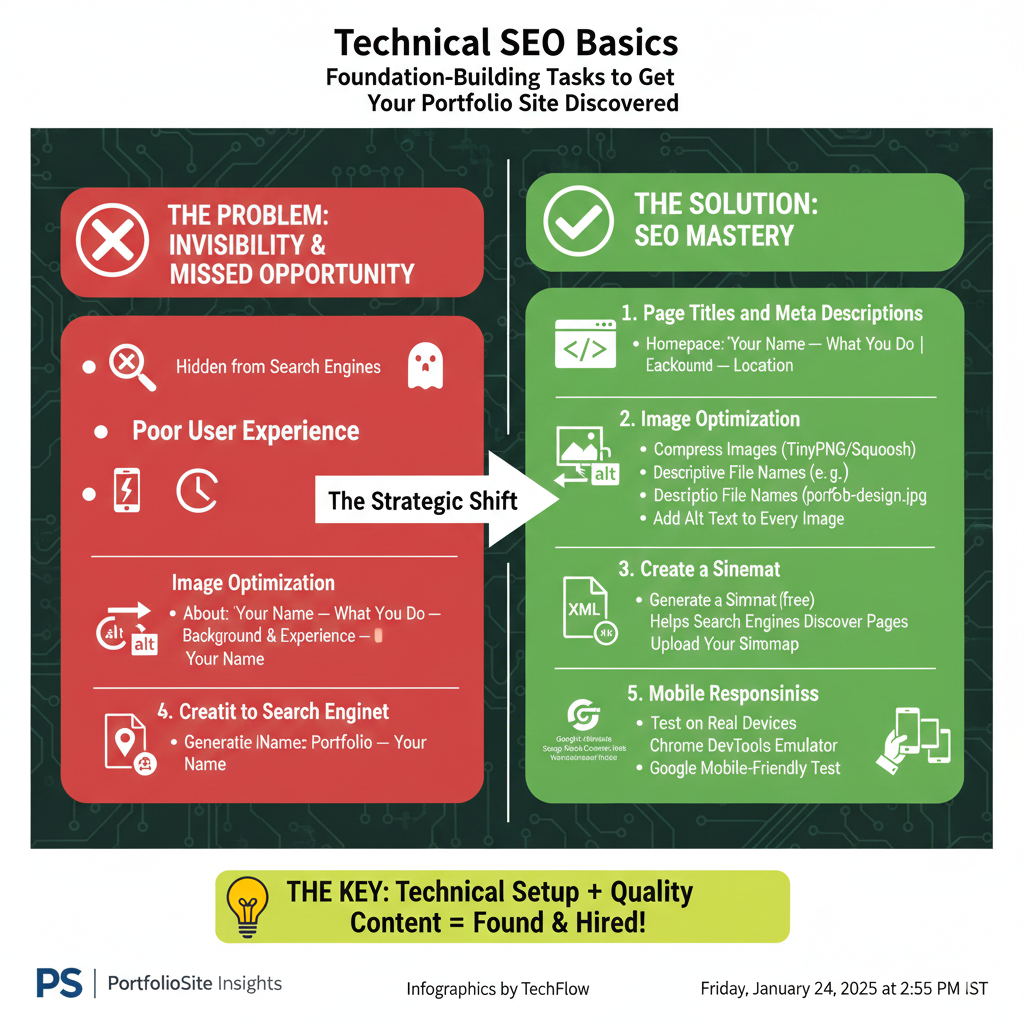
Must-Do SEO Tasks
1. Page Titles and Meta Descriptions
- Homepage: “Your Name — What You Do | Location”
- About: “About Your Name — Background & Experience”
- Portfolio: “Design/Development Portfolio — Your Name”
2. Image Optimization
- Compress all images (use TinyPNG or Squoosh)
- Use descriptive file names (portfolio-web-design.jpg not IMG_0842.jpg)
- Add alt text to every image
3. Create a Sitemap Most portfolio sites are simple enough that you can quickly generate a sitemap to help search engines discover your pages.
4. Submit to Search Engines
- Google Search Console (free)
- Bing Webmaster Tools (free)
- Upload your sitemap to both
5. Mobile Responsiveness Test on real devices or use:
- Chrome DevTools device emulator
- Responsively App (free desktop tool)
- Mobile-Friendly Test by Google
Step 7: Launch Checklist
Before you announce your portfolio to the world:
Technical
- [ ] Test all links (including social media links)
- [ ] Verify contact form works
- [ ] Check loading speed (aim for under 3 seconds)
- [ ] Test on mobile, tablet, and desktop
- [ ] SSL certificate active (https://)
- [ ] 404 page exists and is helpful
Content
- [ ] No Lorem Ipsum placeholder text
- [ ] Spell check everything
- [ ] Copyright year is current
- [ ] All images load properly
- [ ] Bio doesn’t have typos (seriously, triple-check this)
SEO
- [ ] Meta descriptions written
- [ ] All images have alt text
- [ ] Sitemap generated and submitted
- [ ] Google Analytics installed (if desired)
- [ ] Search Console verified
Advanced: Making It Even Better
Once your basic site is live, consider these enhancements:
Free Tools to Level Up
Analytics
- Google Analytics 4 (free)
- Plausible (privacy-focused, paid but worth it)
- Fathom (simple, privacy-first analytics)
Performance Monitoring
- PageSpeed Insights
- GTmetrix
- WebPageTest
Heatmaps & User Behavior
- Microsoft Clarity (completely free, unlimited)
- Hotjar (limited free tier)
Content Additions
Blog Section Writing about your industry:
- Demonstrates expertise
- Improves SEO
- Gives you content to share on social media
- Shows you’re actively engaged in your field
Testimonials: Even one strong testimonial is valuable. Ask past clients or colleagues for:
- Specific results you helped them achieve
- What it was like working with you
- What made you different from other options
Case Studies Deep-dive into 1-2 projects with:
- The full story from brief to delivery
- Challenges encountered
- How did you overcome them
- Screenshots/visuals of the process
- Client testimonial embedded
Real Examples: $10 Portfolios That Work
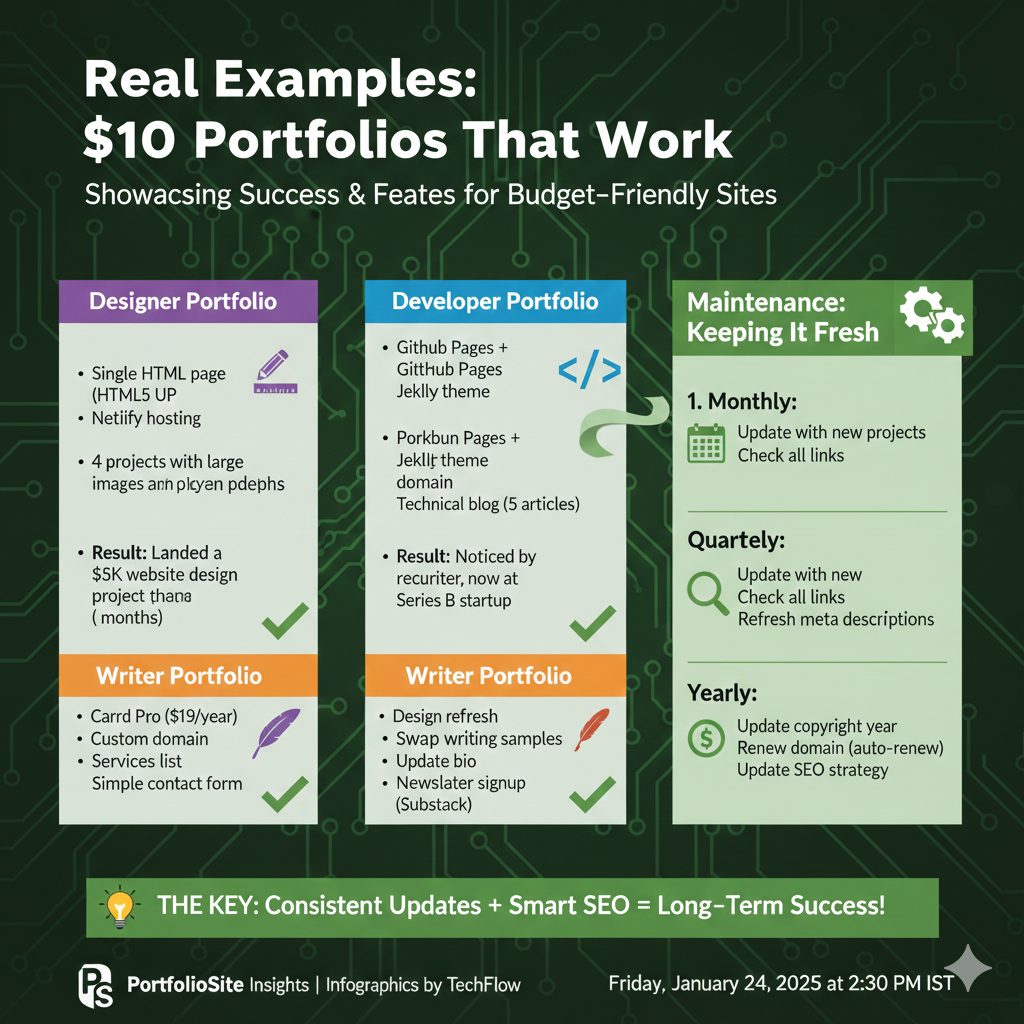
Here are real portfolios built on minimal budgets that landed their owners work:
Designer Portfolio
- Single HTML page from HTML5 UP
- Netlify hosting
- Namecheap domain
- Showcased 4 projects with large images
- Simple contact form
- Result: Landed a $5K website design project within 2 months
Developer Portfolio
- GitHub Pages + Jekyll theme
- Custom domain from Porkbun
- 6 project showcases with live demos
- Technical blog with 5 articles
- Result: Got noticed by a recruiter, now at a Series B startup
Writer Portfolio
- Carrd Pro ($19/year)
- Custom domain
- 3 best writing samples
- Simple services list
- Newsletter signup via Substack (free)
- Result: Tripled client inquiries compared to LinkedIn alone
Maintenance: Keeping It Fresh
Your portfolio isn’t “set and forget.” Schedule these regular updates:
Monthly:
- Update with new projects
- Check all links still work
- Review and refresh meta descriptions
Quarterly:
- Swap out at least one older project for something newer
- Update your bio if anything changed
- Review site speed and optimize
Yearly:
- Consider a design refresh
- Update copyright year
- Renew domain (set auto-renew to avoid losing it)
- Review and update SEO strategy
Common Mistakes (And How to Fix Them)
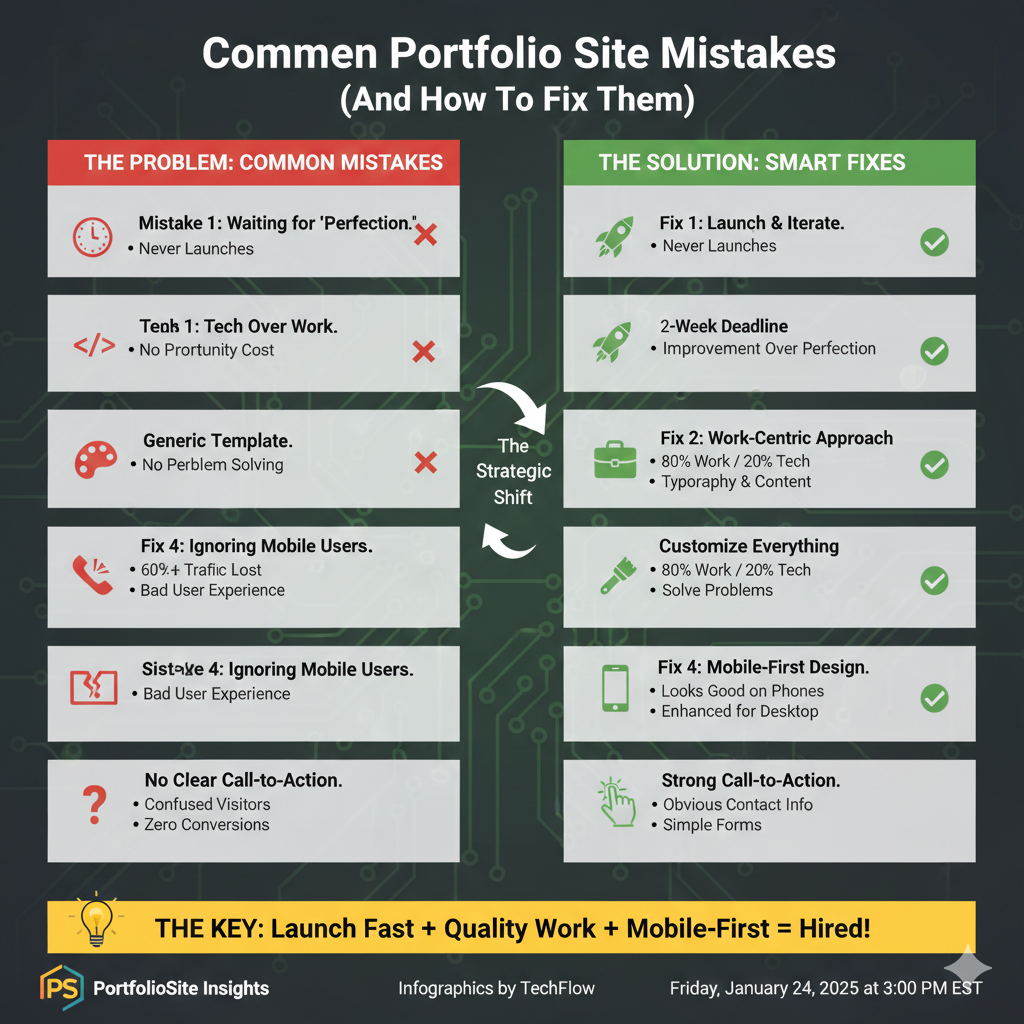
Mistake 1: Waiting for “Perfection.” Your portfolio doesn’t need to be perfect. It needs to exist. Launch with 3 solid projects and improve from there.
Fix: Give yourself a 2-week deadline. What you can build in 2 weeks is infinitely better than the “perfect” site you never launch.
Mistake 2: Too Much Focus on Tech, Not Enough on Work.k Nobody hires you because you used React vs Vue. They hire you because your work solves their problems.
Fix: Spend 80% of your effort curating and presenting your work, 20% on technical implementation.
Mistake 3: Generic Template Without Customization. Using a template is smart. Using it with default colors, fonts, and placeholder copy is not.
Fix: Minimum customizations:
- Change color scheme to match your personal brand
- Replace all default text with your actual content
- Swap any stock photos for real images
- Adjust typography to something that feels like you
Mistake 4: Ignoring Mobile Users. More than 60% of web traffic is mobile. If your portfolio looks broken on phones, you’re turning away the majority of visitors.
Fix: Design mobile-first. Start with how it looks on a phone, then enhance for larger screens.
Mistake 5: No Clear Call-to-Action. Beautiful portfolio,o but visitors don’t know what to do next = zero conversions.
Fix: Every page should make it obvious how to contact you. Don’t bury your email in a footer or require people to fill out a complex form.
The Real Cost: Time vs. Money
Yes, you can build a portfolio for under $10 in materials. But let’s talk about time.
Realistic Time Investment:
- Choosing a domain and setting up hosting: 1-2 hours
- Selecting and customizing template: 4-6 hours
- Writing content and gathering work samples: 6-10 hours
- Testing and final tweaks: 2-3 hours
- Total: 15-25 hours
Time-Saving Shortcuts:
- Use a well-documented template with clear instructions
- Write content in Google Docs first, then paste it in
- Batch similar tasks (resize all images at once)
- Set a timer for customization to avoid rabbit holes
- Use AI for initial drafts that you then personalize
When to Upgrade (And When Not To)
Your $10 portfolio can serve you well for years. But here’s when it makes sense to invest more:
Upgrade When:
- You’re consistently booking high-value clients ($5K+ projects)
- Your current portfolio limits what you can showcase
- You need advanced functionality (client portals, e-commerce)
- You’re rebranding completely
Don’t Upgrade When:
- You haven’t finished your current portfolio
- You’re procrastinating on content by fiddling with design
- Someone told you “you need” a feature you’ve never missed
- You think a fancier site will magically bring clients (it won’t)
Conclusion: Launch Now, Improve Later
The internet is littered with people waiting to build the “perfect” portfolio. Meanwhile, people with scrappier sites are booking clients.
Your portfolio’s job isn’t to win design awards. It’s to clearly communicate what you do and make it easy for the right people to hire you. A clean, focused site that showcases your best work will do that far better than an elaborate site that never launches.
The $10 portfolio isn’t about being cheap — it’s about being strategic. Invest your money where it matters (great work, not fancy hosting), and invest your time in the things that actually bring clients (relationships, quality work, showing up consistently).
Build it this weekend. Share it next week. Improve it over time.
The perfect portfolio is the one that exists.
Quick Start Action Plan
Ready to build yours? Here’s your weekend blueprint:
Friday Evening (2 hours):
- Buy a domain name
- Sign up for Netlify/Vercel
- Choose a template or framework
Saturday (6 hours):
- Customize template design
- Write homepage copy
- Select and edit 3-5 work samples
- Write project descriptions
Sunday (4 hours):
- Add about page and contact form
- Optimize images
- Test on multiple devices
- Connect the domain to the hosting
- Launch!
Next Week:
- Submit to search engines
- Share with your network
- Add one new feature or project each month
Your portfolio won’t be perfect on day one. That’s completely fine. Launch it, get feedback, and iterate. The best portfolio is one that exists and evolves with you.
Now go build something great.